Block TikTok while studying on iPhone
Burrow puts your distracting apps on pause during your session, using Apple’s Screen Time. You choose which ones, and how firm it is. Nothing leaves your iPhone.
On the App Store soon
See how it worksFree, no account, no data collected. iOS 26.5 or later.

How it works
- Pick what distracts you
TikTok, Instagram, a game, a website: select them with Apple’s picker. Burrow cannot see their names, iOS only gives it opaque tokens.
- Start a session
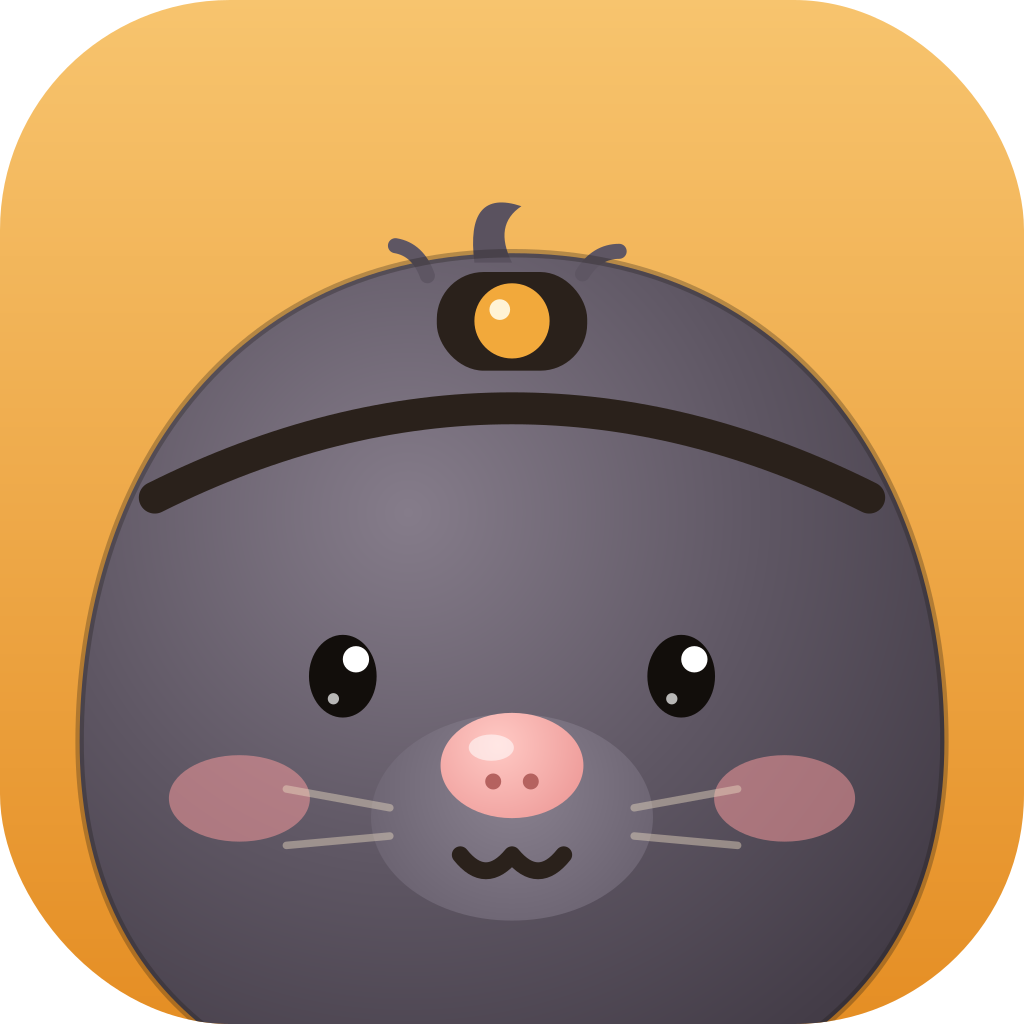
The timer starts, the apps you chose go on pause, and Gaston the mole digs his burrow while you work.
- Need an app?
Breathe for about ten seconds, then open it for 1 to 10 minutes. The block comes back by itself.
A focus session blocks even when it is short, a few minutes long. Without Screen Time access, Burrow is still a timer: the access is optional.
Three levels, from Gentle to Strict
Gentle
A guided breath, then you choose how long the app opens. For the days you want a hand without being forced.
Firm
The breath, then a question: "Why now?". Stopping a focus block early goes through the same small ritual.
Strict
No ritual, and no stopping before the end. An emergency unlock (3 a month, a 30-second wait) ends the session and keeps your minutes.
All three levels are free. Leaving early is never a failure: your minutes still count.
A schedule for the night or for class
One free block schedule pauses your apps at set times, even without a session: evenings, or class hours. A "school day" template (Monday to Friday, 8:00 to 17:00, Firm) is ready to use. Burrow Pro adds more block lists and up to 15 schedules.
Coming next
Pause first Coming soon
Apps that always ask for a breath before they open, even outside a session: you pick 1 to 30 minutes, or give up, and the block returns at the end. In the works, not in the App Store yet.
Daily limits Coming soon
A daily allowance for an app, say 30 minutes of TikTok: after that it is paused until midnight. In the works, not in the App Store yet.
Honest about the limits
Hard to get around, not impossible: iOS always lets you remove Screen Time access in Settings. To help you stay on track, a guide in the app shows how to hand the Screen Time passcode to a friend or a parent.
Questions
Can Burrow see my apps?
No. iOS only gives it opaque tokens, never names. No data leaves your iPhone, and Burrow has no account.
Why Screen Time access?
It is the only way to pause apps on iPhone. Burrow uses Apple’s tools, for you only, on your iPhone.
Is it free?
The core of Burrow is free, Strict included. Burrow Pro is optional: more lists, more schedules, a sentence to write instead of the breath.
Gaston is ready to dig.
Free, no account, for iPhone.
On the App Store soon